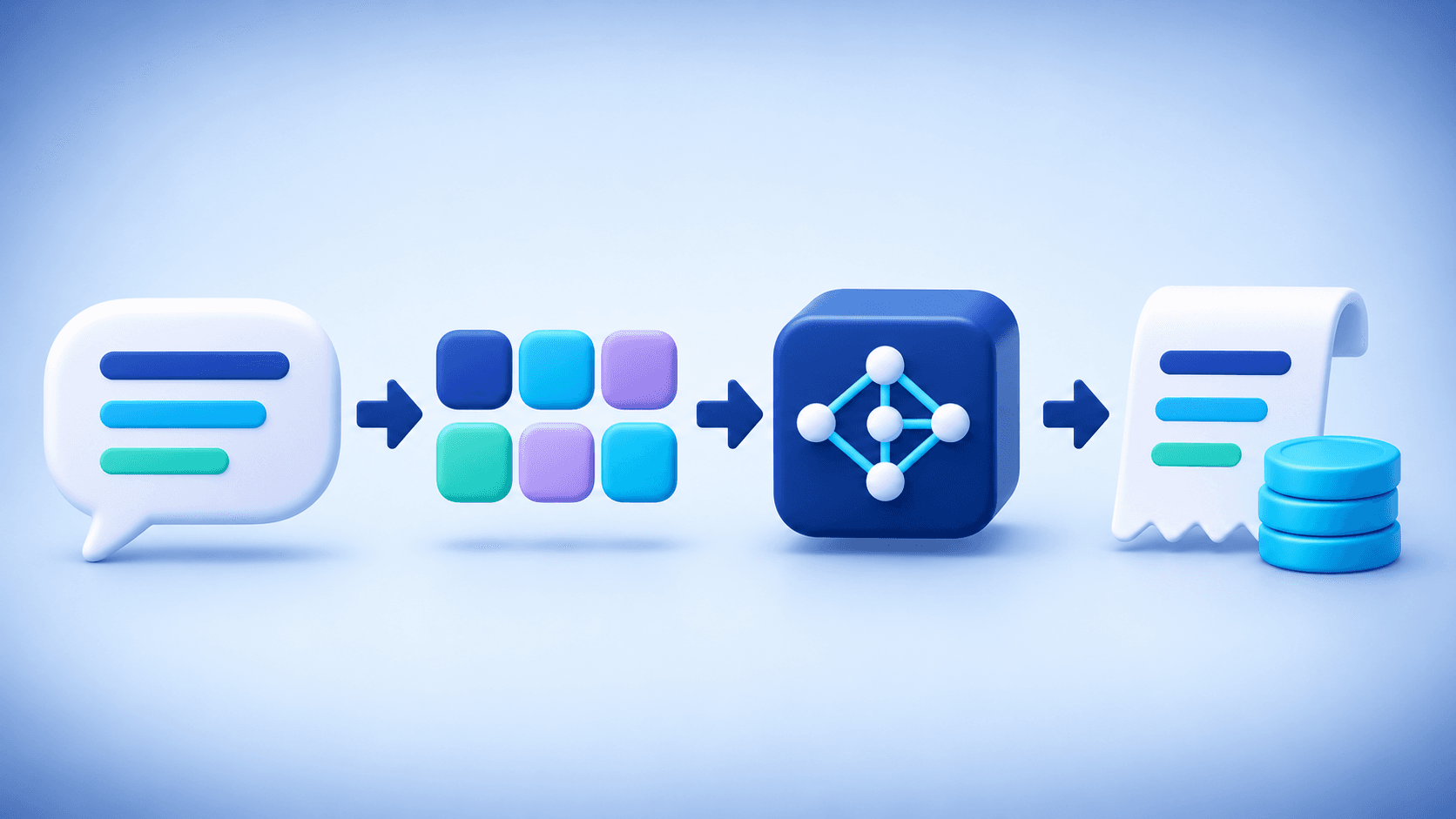
Most AI features in modern products are not built by training a model from scratch. They are delivered through an API: a controlled connection that lets a website or application send a request to an AI model and receive a usable result. That result might be an answer, a summary, a translation, an image, a transcript, or structured data that another part of the product can act on.
What Is an AI API?
API stands for Application Programming Interface. An AI API is a set of rules and endpoints that allows software to use an AI model without hosting and operating the entire model itself.
A product sends input, such as text, an image, an audio file, or a set of instructions, to the provider. The provider processes it with a selected model and returns a response in a predictable format. The application can then display the answer, store it, validate it, or use it in a larger workflow.
The API is the bridge. It separates the user experience you build from the complex infrastructure required to run the model.
What Happens When a User Makes a Request?
A well-designed flow usually looks like this:
- A user asks a question or starts an AI-powered action in the app.
- The frontend sends the request to the product's own server.
- The server validates the input and calls the AI provider with a private API key.
- The model processes the request.
- The server checks and formats the response before returning it to the user.
This server-side step matters. API keys should never be exposed in browser code, mobile bundles, screenshots, or public repositories.
How Websites Can Use AI APIs
Customer support and product assistants
An AI API can power a support assistant that answers common questions, explains features, or guides users to the right page. For higher-risk cases, the assistant should hand the conversation to a human rather than pretending to know the answer.
Semantic search and recommendations
Traditional search depends heavily on exact keywords. AI-powered search can interpret intent and connect a query with related content even when the same words do not appear on the page. This is useful for documentation, product catalogs, knowledge bases, and content libraries.
Writing, editing, and summarization
Applications can use AI to draft text, change tone, summarize long documents, extract action items, or generate product descriptions. These features are most reliable when the product gives the model clear context and keeps a human review step for public or sensitive content.
Multilingual experiences
AI APIs can detect language, provide a first translation, and adapt copy for different audiences. A strong multilingual workflow treats localization as more than word replacement: tone, cultural context, terminology, and layout still need review.
Document and data workflows
AI can classify support tickets, extract fields from invoices, summarize reports, or turn unstructured text into structured JSON. Before sending files to any provider, teams should understand what data is included, how long it is retained, and whether it contains confidential information.
Image, speech, and video features
The same API pattern supports image generation and editing, speech-to-text, text-to-speech, audio analysis, and video generation. Media tasks often have different pricing and latency because quality, dimensions, duration, and model choice affect the amount of compute required.
How Software Teams Use AI APIs
AI APIs are also useful behind the scenes. A business application might use them to:
- prioritize incoming support tickets;
- extract data from forms and receipts;
- create meeting summaries;
- classify messages by topic or sentiment;
- suggest a reply for a human agent;
- turn a natural-language request into a structured action;
- review content against product policies.
For legal, financial, medical, or other high-impact decisions, AI should assist a qualified person, not make the final decision on its own.
How Is an AI API Different from a Regular API?
A conventional API often returns a deterministic result: the same valid request produces the same response. AI output is probabilistic. It can vary with the wording of the prompt, model version, temperature, context, and safety rules.
That difference changes product design. Teams need output validation, timeouts, retries, usage limits, monitoring, and a fallback experience. A successful request is not enough; the answer must also be useful, safe, and appropriate for the task.
Benefits of Using an AI API
- Faster product development without training a model from scratch
- Access to text, image, speech, and video capabilities
- The ability to compare models for a specific task
- Infrastructure that can scale with demand
- Easier experimentation before making a large investment
- The option to improve the product gradually with real user feedback
The Hidden Work Behind a Good AI Feature
Connecting an endpoint is only the beginning. A production feature also needs clear instructions, input limits, error handling, moderation where appropriate, cost controls, quality evaluation, and a user interface that explains what is happening.
Teams should also plan for slow responses and temporary provider outages. The interface may need progress states, cancel controls, retries, or an alternative model. If an AI action creates a file or changes data, the product should confirm the result before applying an irreversible action.
How AI API Pricing Works
Text models are commonly priced by input and output tokens. A token is a small unit of text, not exactly the same as a word. Long prompts, large files, conversation history, and lengthy answers all increase usage.
Image, audio, and video services may charge by resolution, quality, duration, or number of outputs. The real cost of a feature can also include storage, database traffic, background workers, monitoring, and retries. Products should estimate cost per successful user action rather than looking only at the provider's headline price.
Security and Privacy Basics
- Store API keys only on the server in environment variables.
- Never commit secrets to Git or expose them in frontend code.
- Send only the data required for the task.
- Avoid sending passwords, access tokens, or unnecessary personal data.
- Apply authentication, rate limits, and abuse protection.
- Keep sensitive prompts and responses out of application logs.
- Review the provider's data retention and privacy terms.
- Rotate compromised keys immediately.
- Add human review for sensitive outputs.
How to Choose an AI API
Start with the product task, not the popularity of a model. Build a small evaluation set using real examples from your users, then compare providers on:
- answer quality for your languages and domain;
- latency and reliability;
- input and output limits;
- structured output and tool support;
- file, image, audio, or video capabilities;
- pricing and rate limits;
- documentation and developer experience;
- privacy, retention, and regional requirements.
The best API is the one that performs well on your actual workload at an acceptable cost, not necessarily the one with the largest model name.
Avoiding Provider Lock-In
If a product may use more than one provider, place a small provider layer on the server. The rest of the application calls a shared internal interface, while each provider adapter handles its own model names, parameters, errors, and response format.
This structure makes it easier to add a new provider, switch models, route different tasks to different services, or keep a fallback when one service is unavailable.
A Practical Example
Imagine a website that helps users choose an AI model. The user describes the task, language, speed requirement, and budget. The server turns those details into a structured request. The AI returns recommendations, and the application presents each option with a reason, estimated cost, and alternative.
If the provider is unavailable, the product should show a clear message, allow a retry, or use another model. It should never hide an error or claim that a result was generated when it was not.
A Checklist Before You Ship
- Define one clear use case and a measurable success criterion.
- Test with realistic examples, including Persian and English if both are supported.
- Validate inputs and outputs.
- Handle timeouts, rate limits, moderation, and provider errors.
- Estimate cost per user action and set spending limits.
- Protect API keys and user data.
- Add confirmation before high-impact actions.
- Provide a fallback for outages or model changes.
- Monitor quality, latency, errors, and user feedback after launch.
Final Thoughts
An AI API is the connection between a digital product and an intelligent model. It can make support, search, writing, translation, document analysis, and media creation more useful without requiring a company to build every model itself.
The strongest implementations combine the model with thoughtful product design. Security, cost, reliability, validation, and a clear user experience matter just as much as the model's raw capability.